Best Linux Distros for Engineering Students in 2026

If you’re staring at a laptop trying to decide whether Ubuntu, Fedora, or Mint is the “right” choice for engineering coursework, the honest answer is: it depends on what you’re actually doing. A mechanical engineering student running SolidWorks-adjacent CAD tools has different needs than a CS major setting up a Python and Docker environment for a data engineering class. This guide breaks down the best Linux distros for engineering students in 2026, based on real coursework use cases — not just DistroWatch popularity rankings.
We tested driver support, package availability, stability under long study sessions, and how each distro handles the specific software engineering students actually use: MATLAB/Octave, LaTeX, CAD viewers, Python data science stacks, and virtualization tools for coursework and labs. If you’re also shopping for hardware to run any of these on, our best laptops for running Linux guide breaks down what to buy at every budget.

Quick Answer: Which Distro Should You Pick?
- New to Linux, want it to just work: Linux Mint or Ubuntu LTS
- Need the newest software and don’t mind occasional troubleshooting: Fedora
- Running CAD/CAE tools or need rock-solid drivers: Ubuntu LTS or Pop!_OS
- Old or low-spec laptop: Xubuntu or Lubuntu
- Data engineering, Python, Docker, cloud workflows: Ubuntu LTS or Debian

Comparison Table: Top Distros for Engineering Coursework
|
Distro |
Best For |
Learning Curve |
Software Availability |
Driver/Hardware Support |
|---|---|---|---|---|
|
Ubuntu LTS |
All-around coursework, CAD, data engineering |
Low |
Excellent |
Excellent |
|
Fedora |
Latest software, developer tooling |
Medium |
Very good |
Very good (see our Fedora 44 guide) |
|
Linux Mint |
First-time switchers from Windows |
Very low |
Good |
Excellent |
|
Pop!_OS |
Engineering + light gaming, NVIDIA users |
Low-Medium |
Good |
Excellent (best NVIDIA support) |
|
Debian |
Stability-focused dev environments, servers |
Medium-High |
Good |
Good |
|
Manjaro/Arch-based |
Advanced users wanting cutting-edge packages |
High |
Excellent |
Good, requires more setup |
For a head-to-head breakdown of the two most-searched matchups, see our dedicated comparisons: Ubuntu vs Fedora for Engineering Students and Ubuntu LTS vs Debian for Engineering.
The Top Distros, Ranked for Engineering Use
1. Ubuntu LTS — The Safe, Default Choice
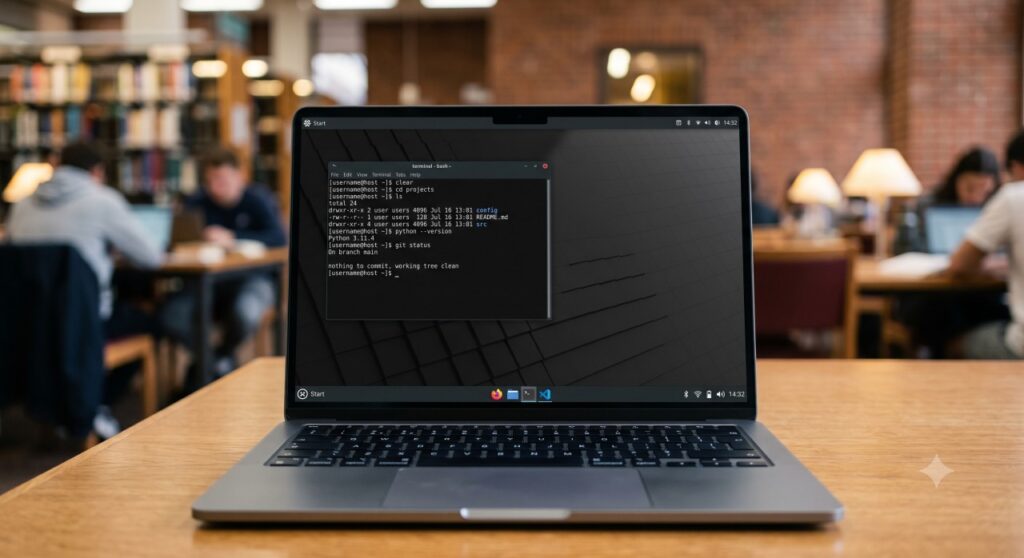
Ubuntu LTS remains the default recommendation for most engineering students, and for good reason. Long-term support means you install it freshman year and don’t touch it again until you graduate. Every major engineering tool — from Octave to Docker to Anaconda — has an Ubuntu-first install guide somewhere online, which matters more than people admit when you’re debugging at 1 a.m. before a deadline.
Where it falls short: it’s not the newest software, and the default GNOME desktop can feel heavy on older hardware. If your laptop is more than five years old, check our lightweight distros for old laptops guide instead.

2. Fedora — For Students Who Want Current Software
Fedora ships newer kernel and package versions than Ubuntu, which matters if you’re working with recent hardware or need the latest Python/GCC versions for a course. It has a steeper learning curve around package management (DNF instead of APT) but is well-documented. We cover this in depth in our Fedora 44 pillar guide if you want the full setup walkthrough.
3. Linux Mint — Best for First-Time Switchers
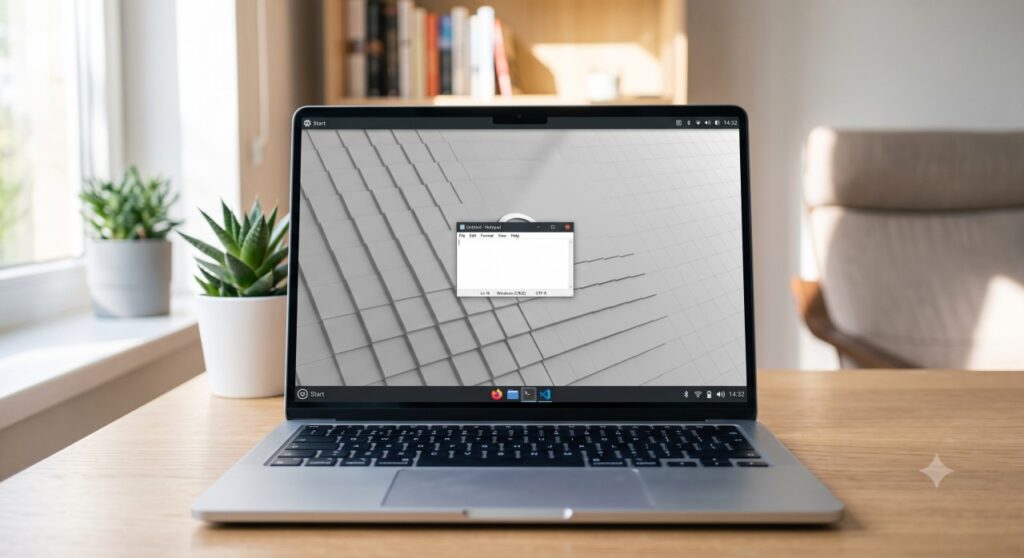
If you’re coming straight from Windows with zero Linux exposure, Mint’s Cinnamon desktop is the closest thing to a familiar experience. Start menu, taskbar, file manager — it all behaves the way you expect. It’s built on Ubuntu’s package base, so software compatibility is identical, but the out-of-box experience is friendlier for a first install.

4. Pop!_OS — Best for NVIDIA Hardware and CAD Work
Pop!_OS, maintained by System76, has the best out-of-box NVIDIA driver support of any mainstream distro — a real advantage if you’re running CAD or simulation software that benefits from GPU acceleration. It’s also a solid pick if you want light gaming alongside coursework. See our dedicated breakdown in Distros for CAD/CAE Workflows.

5. Debian — Best for Data Engineering and Dev Environments
Debian trades bleeding-edge packages for exceptional stability, which is exactly what you want for a server or a data engineering environment you don’t want breaking mid-semester. If you’re setting up Python, SQL, Docker, Spark, or Airflow for a data engineering course, Debian’s predictability is a real asset — we go deeper on this in Ubuntu LTS vs Debian for Engineering.
Matching a Distro to Your Coursework
- CS and programming coursework: see Best Linux Distro for Programming & CS Students
- Data science, Python, and ML coursework: see Best Linux Distro for Data Science & Python/ML
- CAD, FEA, and mechanical/civil engineering software: see Linux for CAD & Engineering Software
- Cybersecurity or networking electives: see Best Linux Distro for Cybersecurity & Networking Students
- Cloud computing, VMs, and containerized coursework: see VMs and Cloud-Ready Linux Distros for Coursework
- Running Windows-only software alongside Linux: see How to Dual Boot Windows 11 and Linux
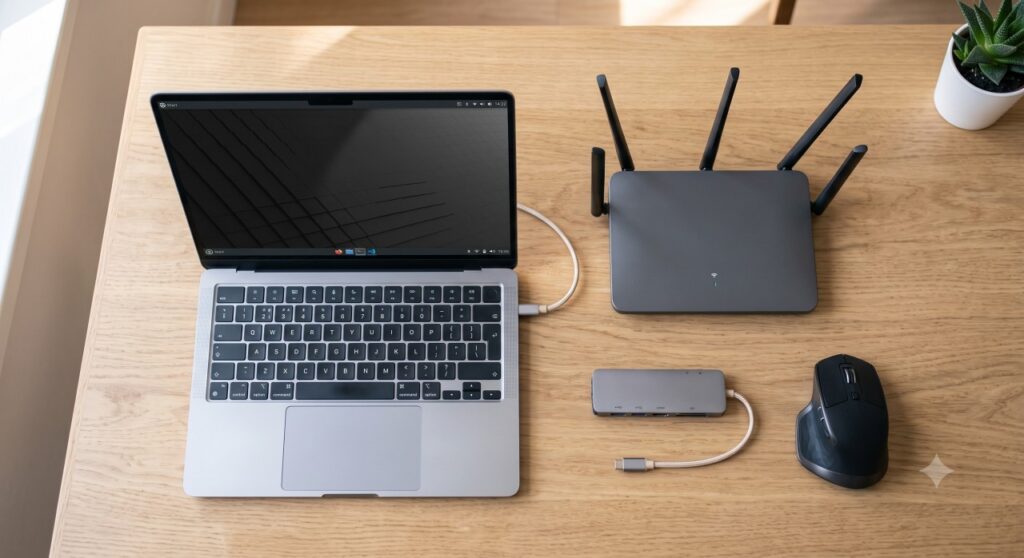
Hardware Compatibility: What Actually Matters
Driver support is the single biggest source of frustration for students switching to Linux mid-semester. Wi-Fi chipsets, trackpad gestures, and external display handling vary significantly by distro and laptop brand. We cover this in detail — including which distros pair best with which laptop brands — in Distro with Best Hardware Compatibility, and if you’re buying new hardware specifically to run Linux, our laptop buying guide has brand-by-brand compatibility notes.

Frequently Asked Questions
Bottom Line
There’s no single “best” Linux distro for every engineering student — the right choice depends on your coursework, your hardware, and how much setup time you’re willing to spend. Ubuntu LTS is the safest default for most students. Fedora and Pop!_OS make sense if you have specific driver or software-freshness needs. Mint is the easiest on-ramp if you’re new to Linux entirely. Whatever you choose, pair it with the right hardware — check our laptop buying guide for Linux engineering students before you install anything.